
The best field computer is often the one that eliminates another piece of equipment.
If a worker can scan a barcode, read a tag, capture a photo, verify a location, update a record, and transmit the information from one device, the workflow can become simpler and faster.
That is why data-capture options deserve as much attention as processor speed or screen size.
Barcode scanning
Barcode scanning remains one of the most common ways to identify assets, inventory, packages, equipment, and records.
Compact field devices can be particularly useful when scanning is a major part of the job because they are easier to carry and operate repeatedly throughout a shift.
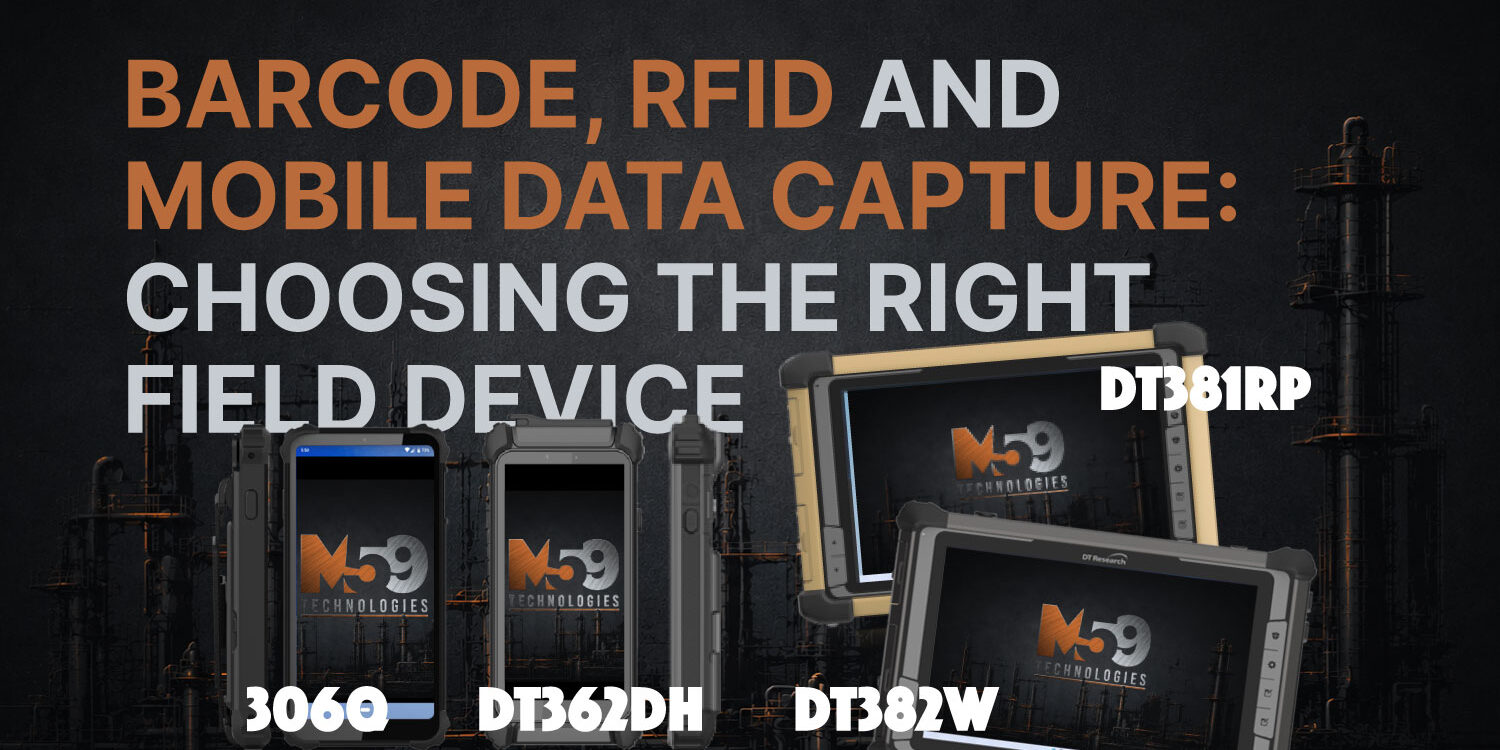
DT Research has developed 6-inch and 8-inch Windows devices specifically around scanning and tag-reading applications, including options for barcode scanning, RFID/NFC, GPS, cameras, and other mobile tools. DT Research
RFID and NFC
RFID can help teams identify tagged items without relying only on line-of-sight barcode scanning.
Depending on the reader and tag type, that can support workflows such as:
- asset verification
- inventory management
- equipment tracking
- access-related applications
- warehouse operations
- field identification
NFC can support shorter-range interactions and identification tasks where close proximity is appropriate.
GPS and cameras add context
Sometimes the important information is not just what was scanned, but where it was found and what condition it was in.
GPS can add location information, while cameras can document equipment, damage, installations, inspections, or other field conditions.

Smaller is not always better
A 6-inch handheld can be ideal for repetitive scanning and mobility.
An 8-inch device may offer a little more screen space without becoming difficult to carry.
Larger tablets may make more sense when employees need to review detailed records, maps, forms, dashboards, or other information after the data is captured.
There is no universal “best” size.
There is only the size that fits the job.
Build around the workflow
Before choosing a field device, ask:
What information needs to be captured?
How often is it scanned?
How much screen space does the user need afterward?
Does the team need barcode, RFID, NFC, GPS, cameras, or cellular connectivity?
How long is the shift?
Where will the device actually be used?
M59 Tech helps turn those questions into a hardware configuration that makes sense for the people doing the work.
Need help choosing a data-capture device? Talk to M59 Tech.