
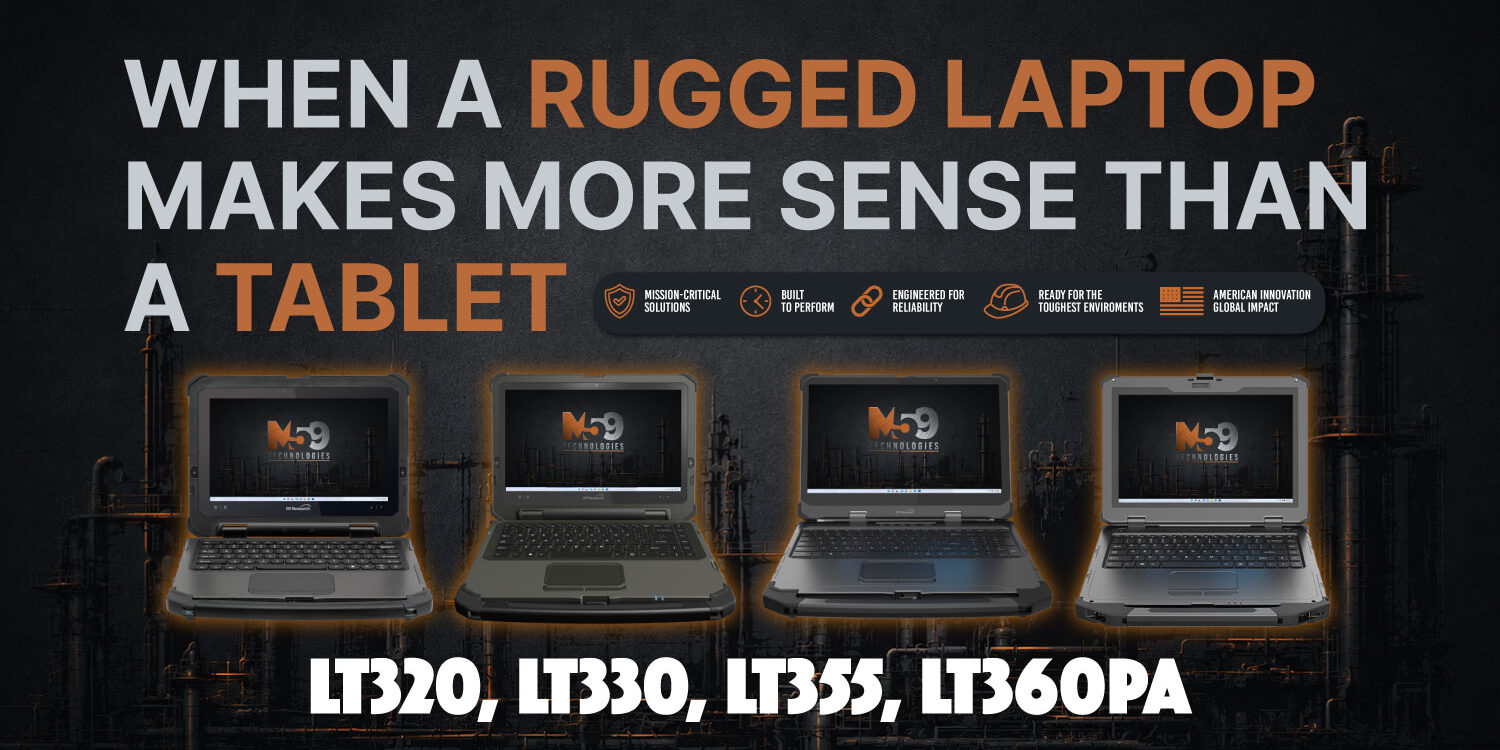
Tablets get a lot of attention in mobile computing, but there are still plenty of jobs where a laptop is simply the better tool.
If the user spends significant time typing, working with complex software, managing multiple windows, processing large files, or using graphics-heavy applications, a rugged laptop can offer a more familiar workstation-style experience while still being designed for demanding environments.
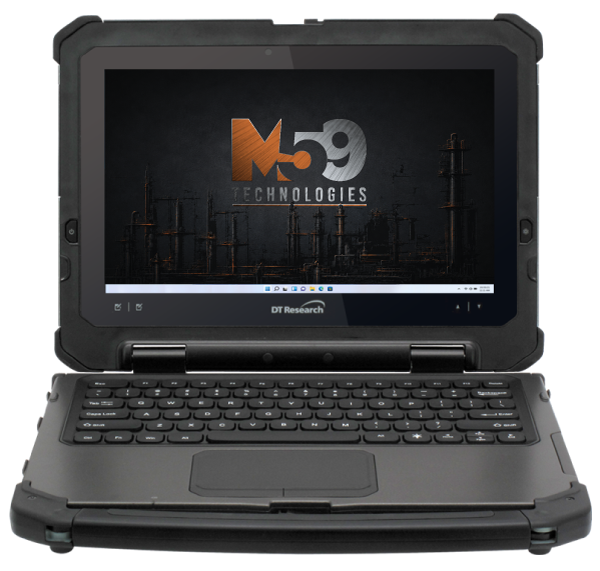
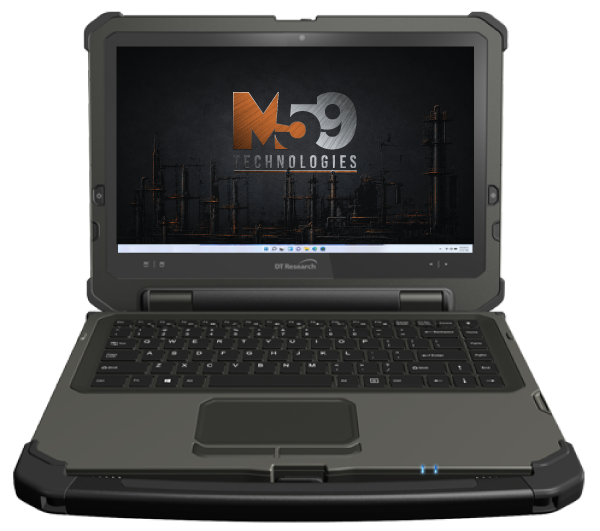
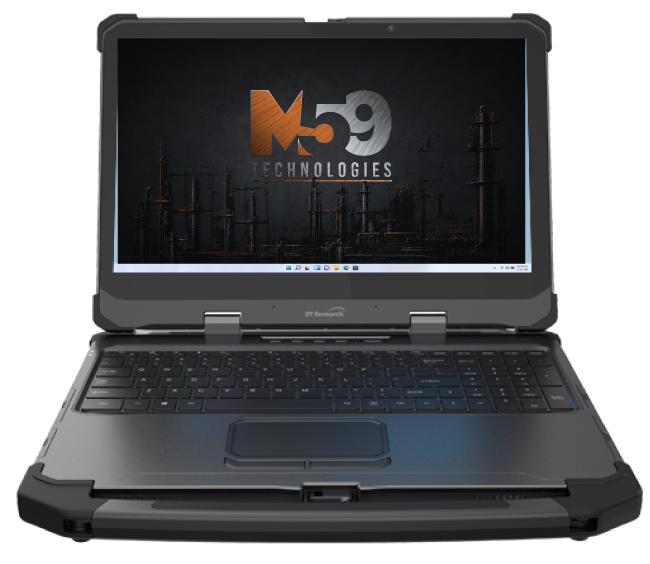
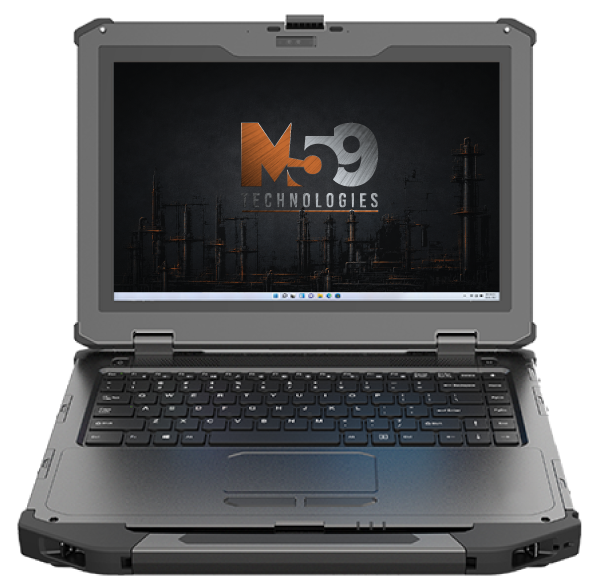
M59’s laptop lineup includes the LT320, LT330, LT355, and LT360PA, covering screen sizes from 11.6 inches to 15.6 inches and a range of performance levels. DT Research lists features across the line including high-brightness touchscreens, smart card readers, IP65 protection, MIL-STD testing, hot-swappable battery options, and available night-vision displays. DT Research
Choose a laptop when keyboard work matters
A full keyboard and touchpad can make a major difference for employees who spend long periods entering data, writing reports, managing technical software, or working through multiple applications.
That does not automatically mean a laptop is less mobile. Convertible and field-ready systems can still move between vehicle, field, and office environments while providing the ergonomics of a traditional computer.
Processing and graphics can drive the decision
Some workflows simply need more horsepower.
The LT355, for example, is positioned as a rugged mobile workstation with optional NVIDIA RTX graphics, while the LT360PA uses Intel Core Ultra processors and supports additional field-oriented options. DT Research
That can matter for:
- engineering
- imaging
- mapping
- modeling
- industrial applications
- technical analysis
- graphics-intensive fieldwork
Tablets still win in other situations
A tablet may be better when the user spends most of the day standing, walking, scanning, inspecting, collecting data, or moving in and out of vehicles.
That is why the decision should not begin with the form factor.
It should begin with the workflow.
Start with how the person works
Ask:
How much typing is involved?
How much screen space is needed?
Does the application require a dedicated keyboard?
Is high-end processing or graphics important?
Will the device spend most of its time mounted, carried, or used at a workstation?
The answers will usually make the laptop-versus-tablet decision much easier.
M59 Tech can help compare the available platforms and narrow the hardware around the actual job.
Not sure whether your team needs a laptop or tablet? Talk to M59 Tech.